
Limano Theme
Limano is a clean and modular HubSpot theme crafted to simplify website building through a rich library of pre-built custom modules and flexible design settings. Fully responsive and easy to customize, Limano enables marketers and content creators to design visually engaging, conversion-focused websites—without writing a single line of code. Perfect for businesses looking for speed, consistency, and creative control across their digital presence.
Requirements
To use this theme, you must have an active HubSpot account. If you don’t already have one, you can sign up for free.
Once you're logged into your HubSpot account, you can access and work with the theme through the Design Manager or your HubSpot portal.
Installation: Upload via HubSpot Marketplace
- Go to Marketing > Website > Website Pages.
- Click Create > Website Page.
- In the Theme selector, find your installed Marketplace theme.
- Choose your desired template to start editing.
Pages
- Home
- About
- Team
- portfolio
- Careers
- Contact Us
- Terms & conditions
Templates
Limano offers 7 ready-to-use page templates designed to help you build a complete and polished website with ease. Each template serves a specific purpose and is fully customizable to suit your brand.
Home
This template has been designed to be used on the homepage of your website. It contains the following modules in order:
- Hero banner
- About section
- Our mission
- Our partners
- Join our team
- Contact us
File location: /templates/home.html
About
Use this template to introduce yourself and your team. It includes the following modules in sequence:
- Inner banner
- About leaders
File location: /templates/about.html
Team
This page is designed to help you showcase your team. It includes thoughtfully arranged modules to highlight each member effectively.
- Inner banner
- Executive Team
File location: /templates/our-team.html
Portfolio
This page is built to showcase your portfolio and highlight your presence across different regions. It includes a city filter module to help visitors explore your projects by location.
- Inner banner
- Regional Services Display
- Our projects filter
File location: /templates/portfolio.html
Careers
Looking to grow your team? Use this page to showcase job openings and invite talented individuals to join your company.
- Inner banner
- Join us
- Job openings
File location: /templates/careers.html
Contact Us
This page provides an easy way for visitors to get in touch with your company through a built-in contact form. And the page includes these modules.
- Inner banner
- Contact form
- Contact types footer
File location: /templates/contact.html
Modules
Limano includes 18 ready-to-use modules that let you build flexible, dynamic pages without any coding. Each module is designed to enhance functionality and visual appeal.
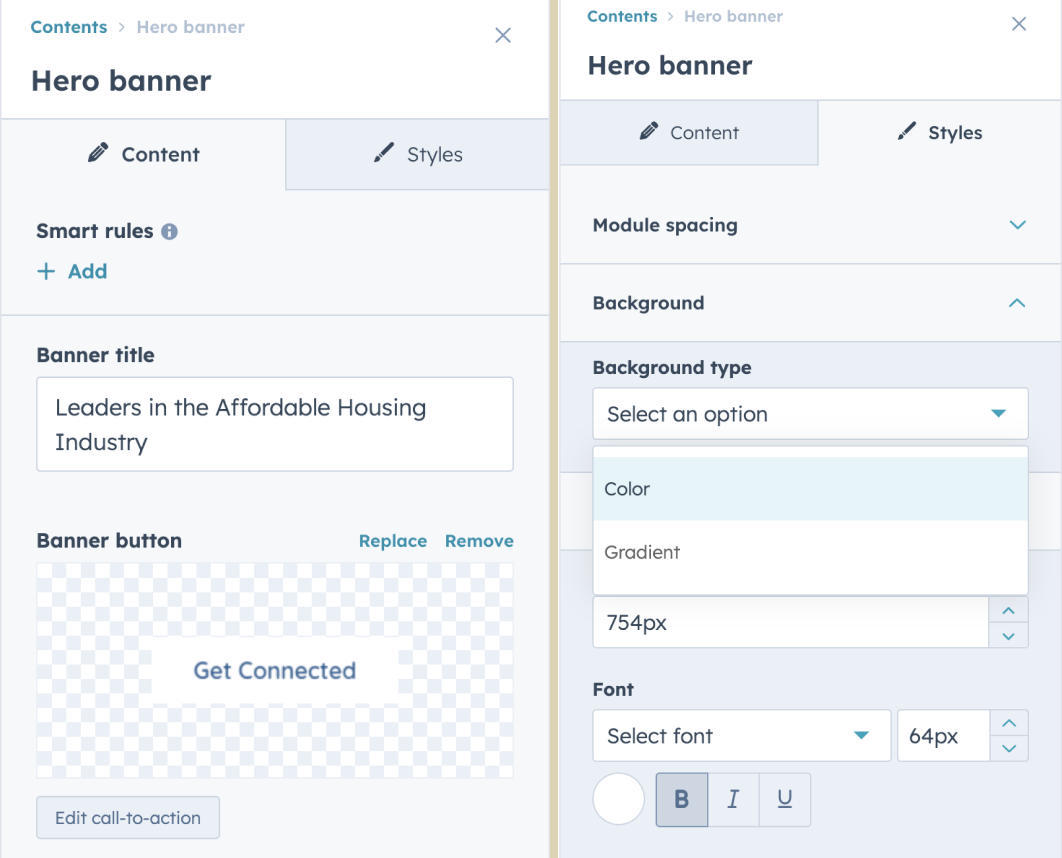
Hero banner
The Hero Banner module is designed to make a strong first impression. It features a prominent headline, subtext, background image or video, and a call-to-action button — perfect for capturing attention right at the top of your page.
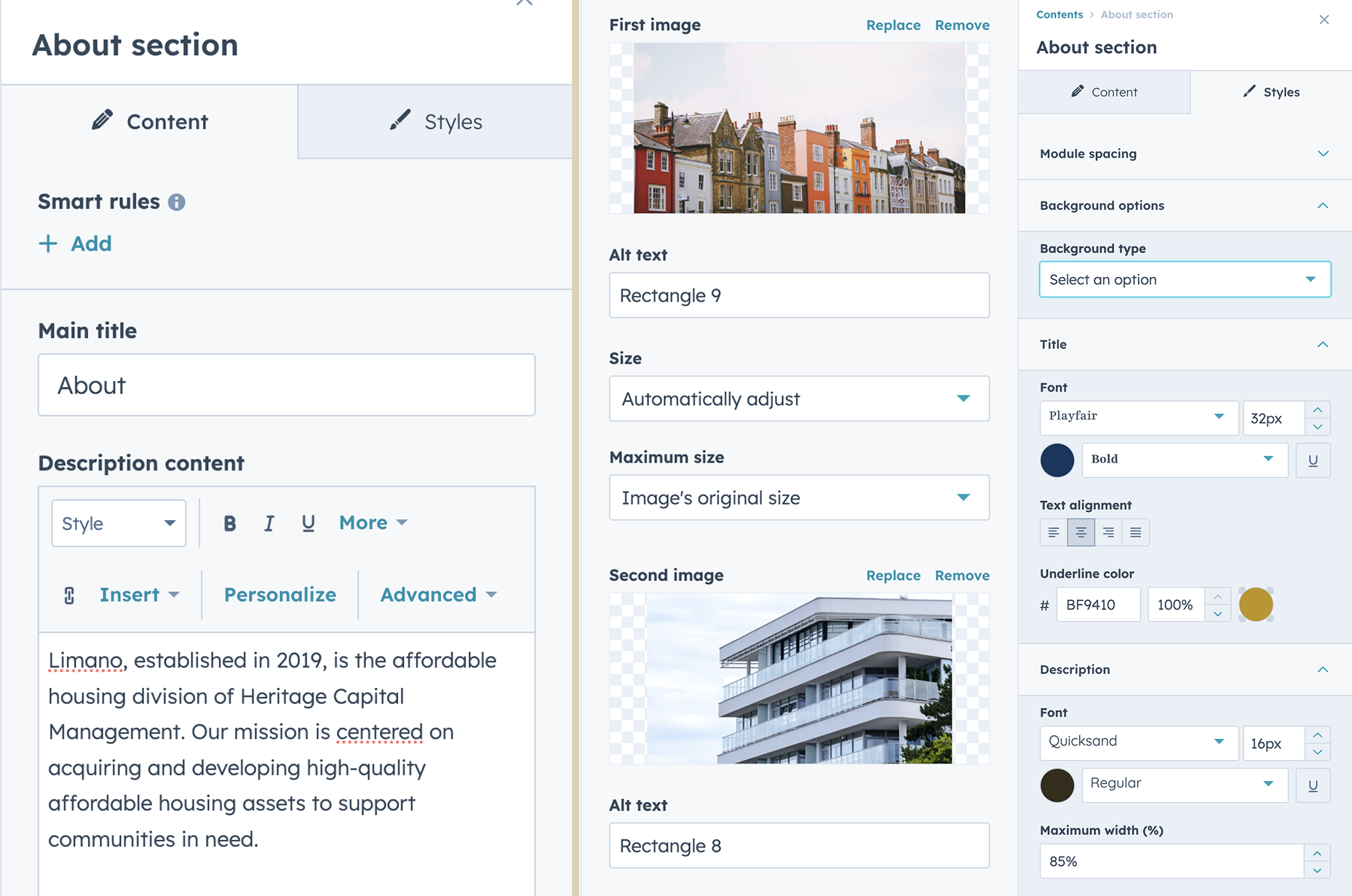
About section
The About Section is used to introduce your brand, mission, or team. It typically includes a heading, descriptive text, and an optional image or icon. This section is ideal for communicating your story or values in a visually engaging way.
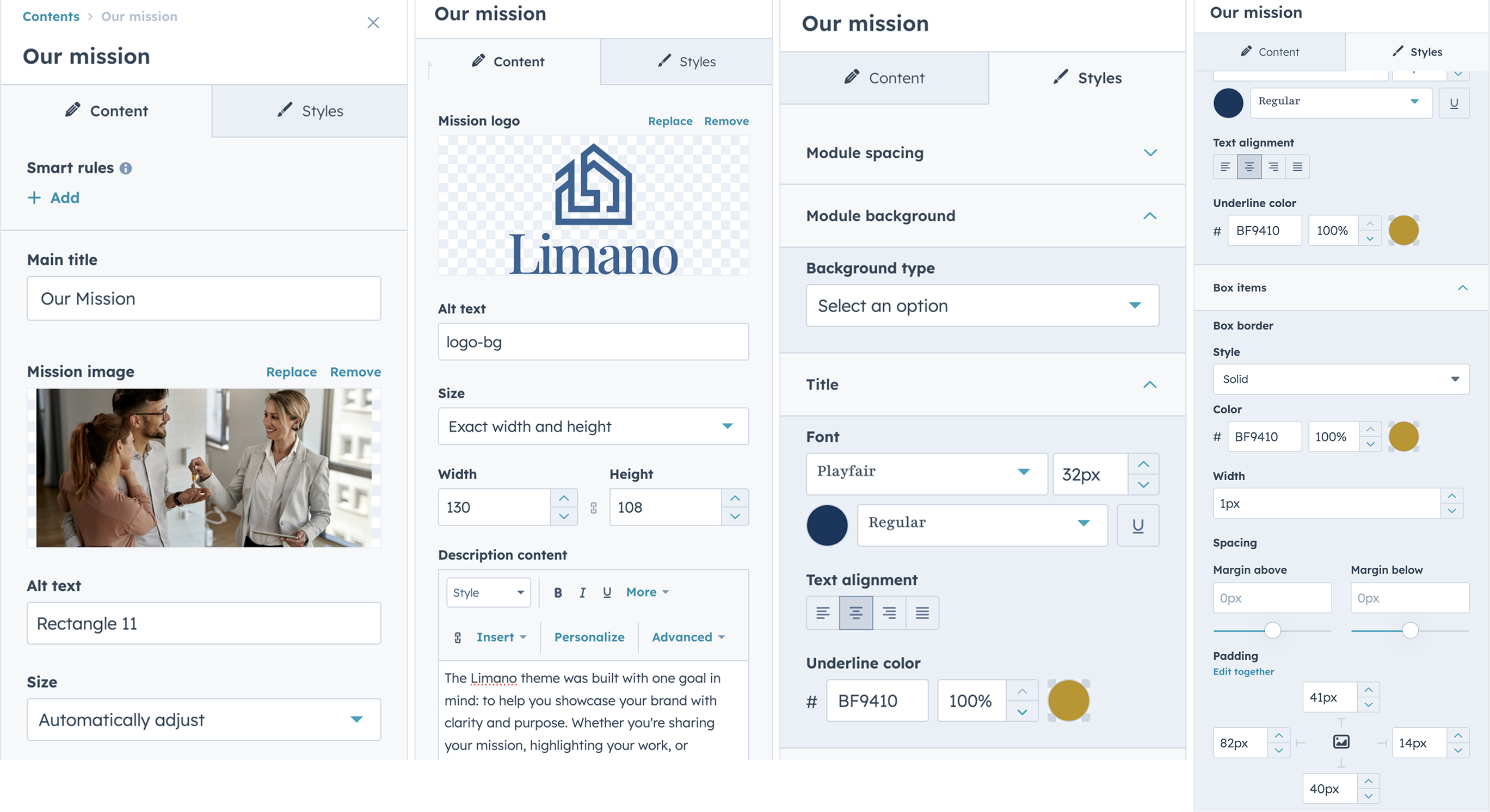
Our mission
The Our Mission module highlights your company’s core purpose and values. It typically includes a concise mission statement, a supporting image, and a logo — creating a clear and impactful message about what your brand stands for.
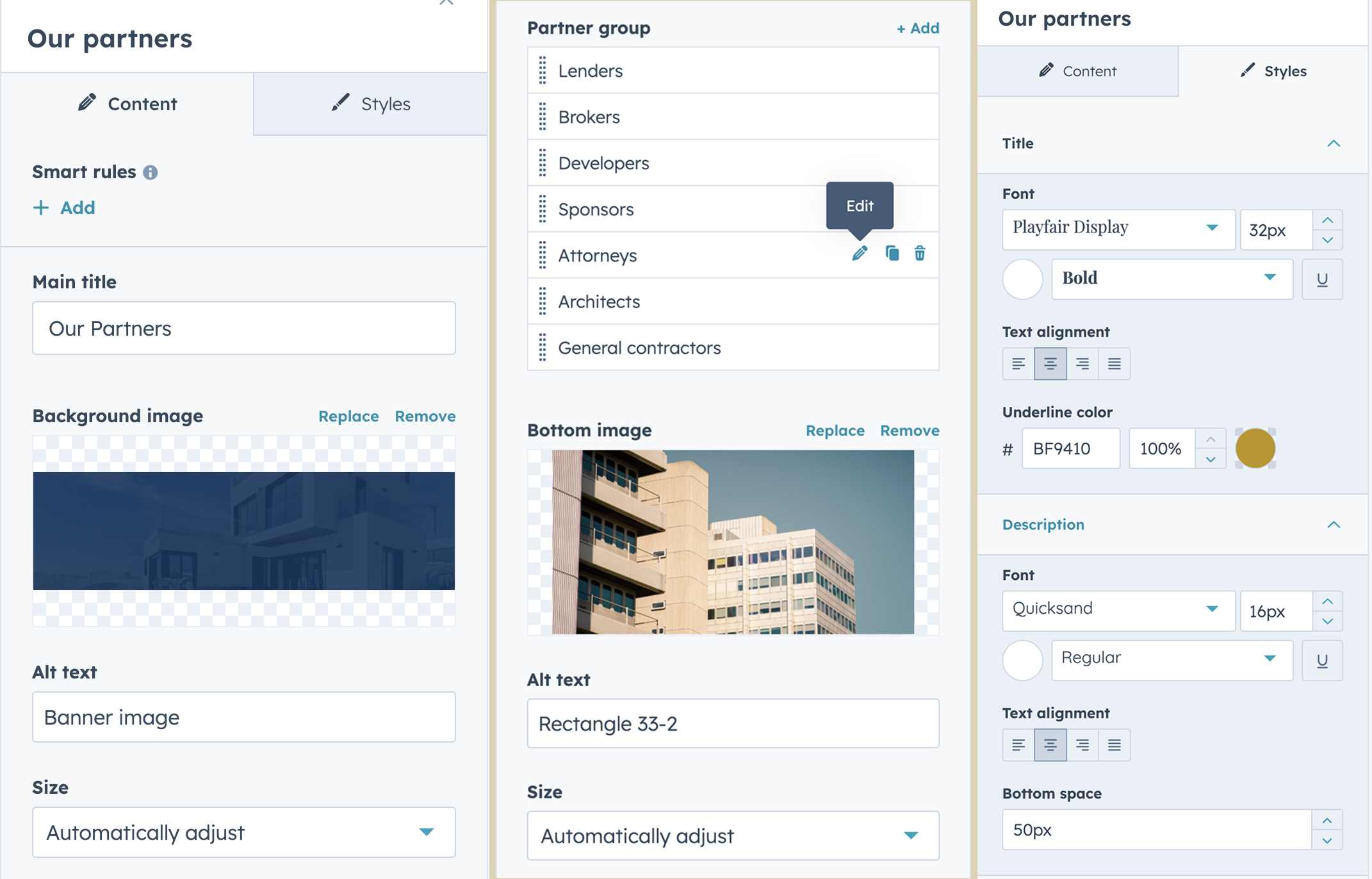
Our partners
The Our Partners module showcases the brands, organizations, or clients you collaborate with. It usually includes partner logos displayed in a grid or carousel format — helping build credibility and trust through strategic affiliations.
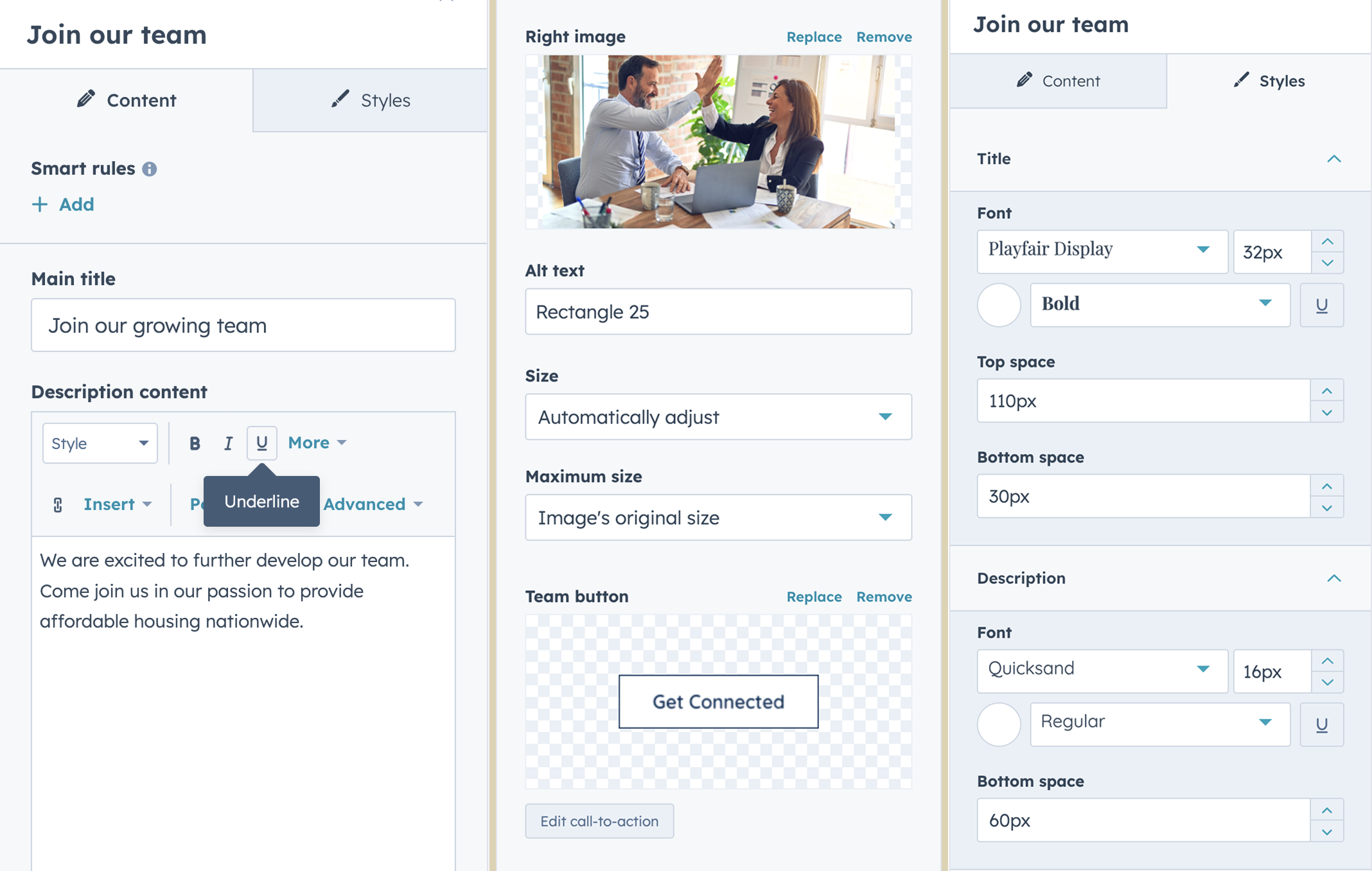
Join our team
The Join Our Team module is designed to attract potential candidates by highlighting your company culture, open roles, or hiring message. It typically features a headline, description, image, and a call-to-action button linking to your careers page or job listings.
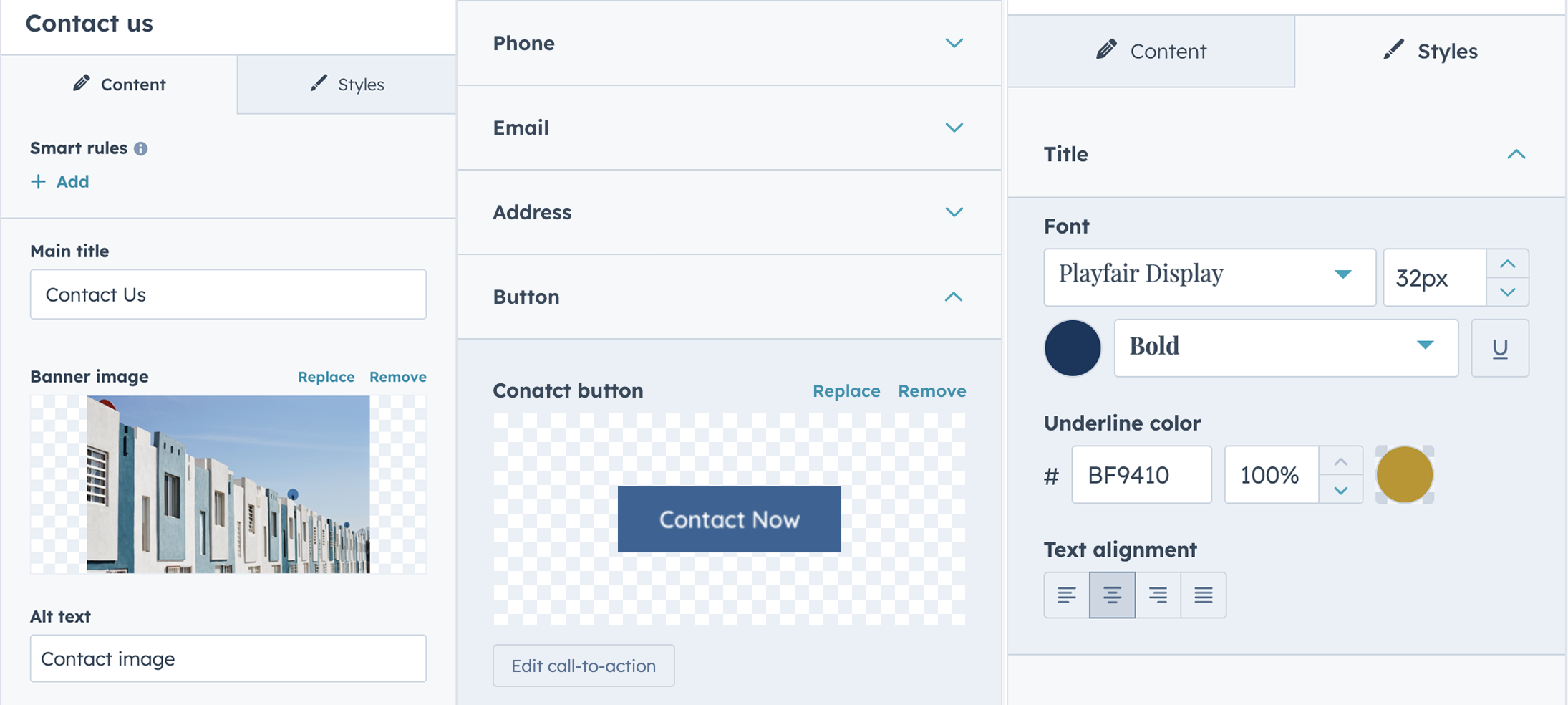
Contact us
The Contact Us module provides visitors with an easy way to get in touch. It often includes a contact form, company contact details (email, phone, address) — making it simple for users to reach out or find your location.
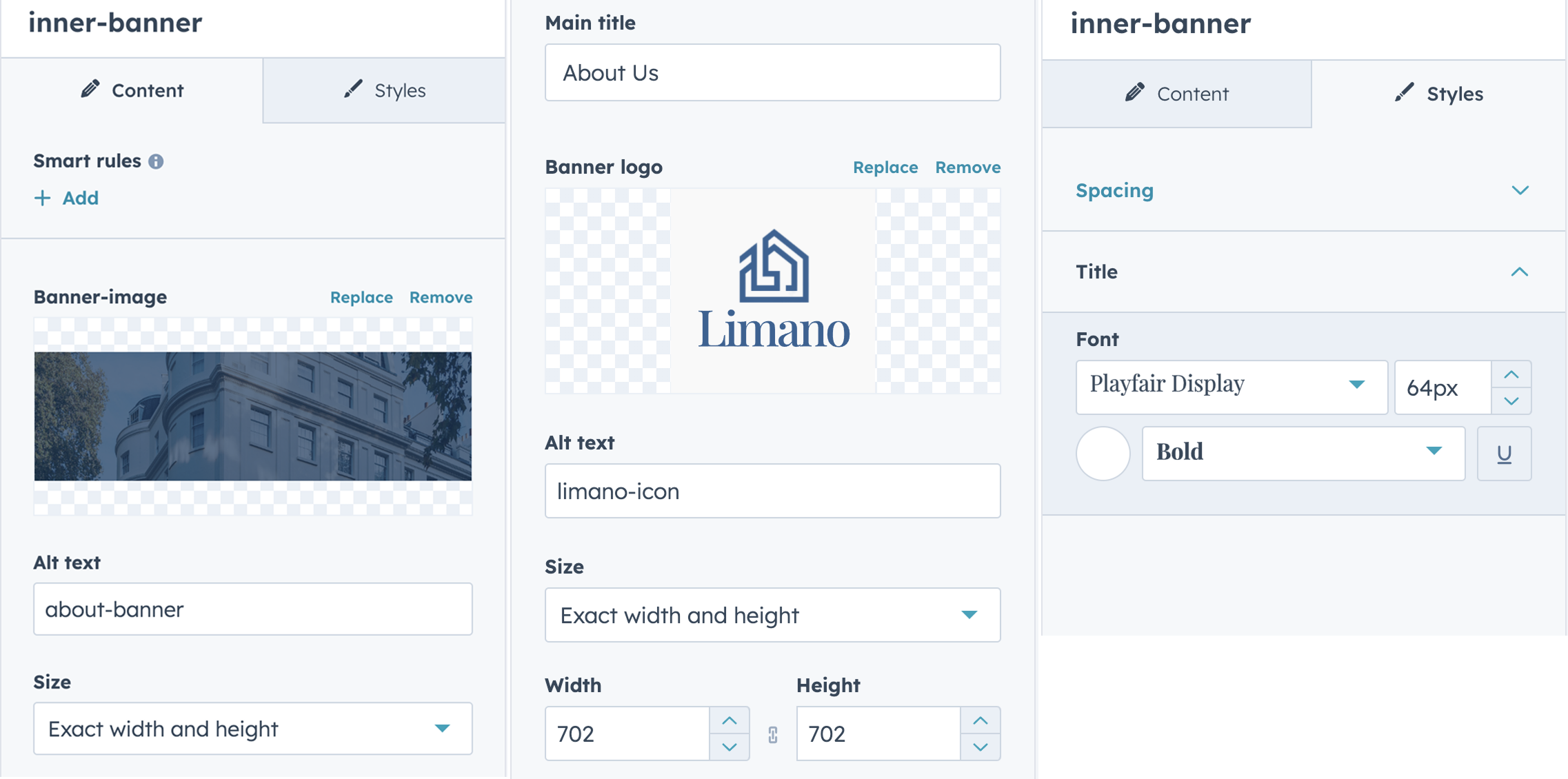
Inner banner
The Inner Banner module is used across all inner pages to provide a consistent visual header. It typically includes a page title, optional subtitle or Logo, and a background image — helping users orient themselves within the site.
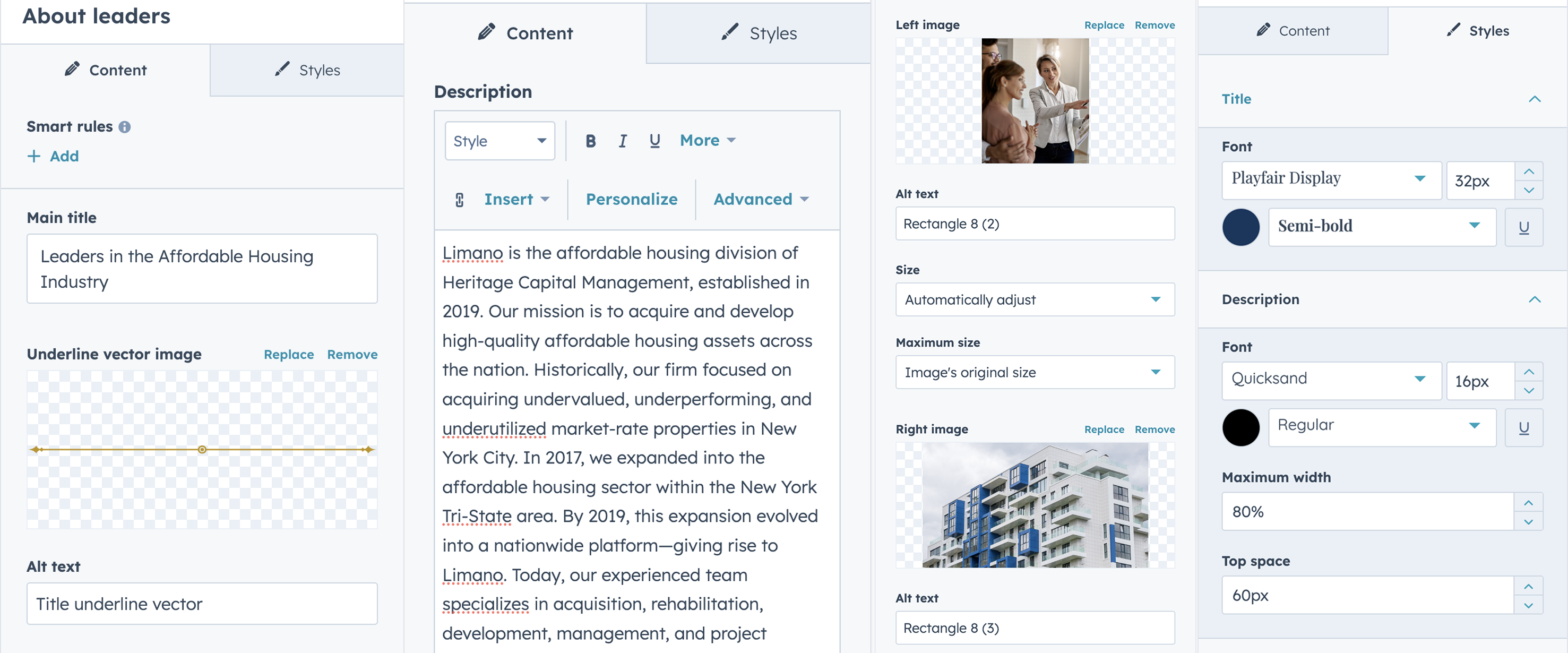
About leaders
The About Leaders module introduces your leadership team with a section title, short description, and an image. It’s ideal for highlighting your team's presence in a clean and focused layout.
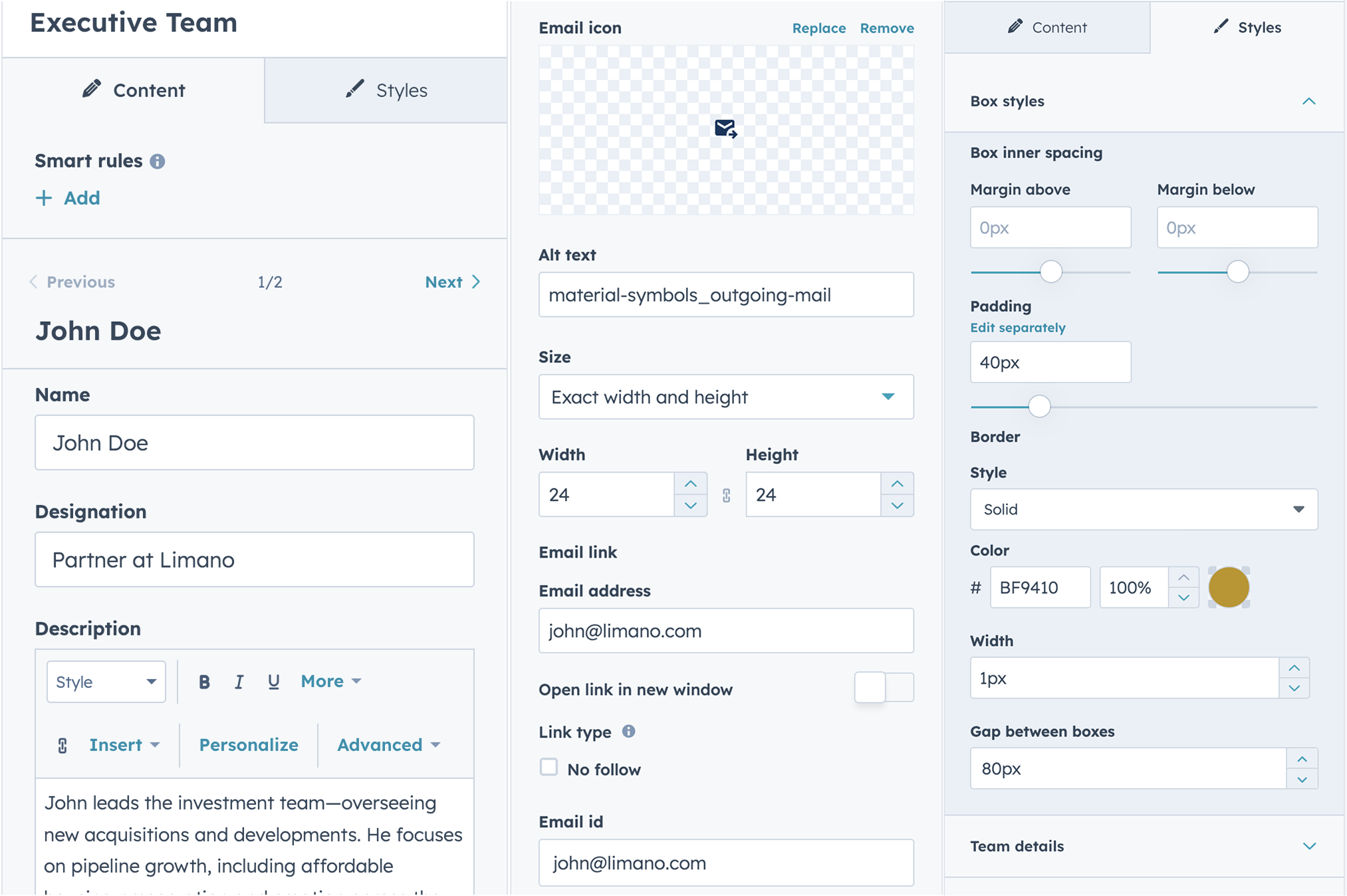
Executive Team
The Executive Team module showcases the core members of your executive leadership. It includes a section title, description, with email, names, and roles — offering a professional overview of your top-level team.
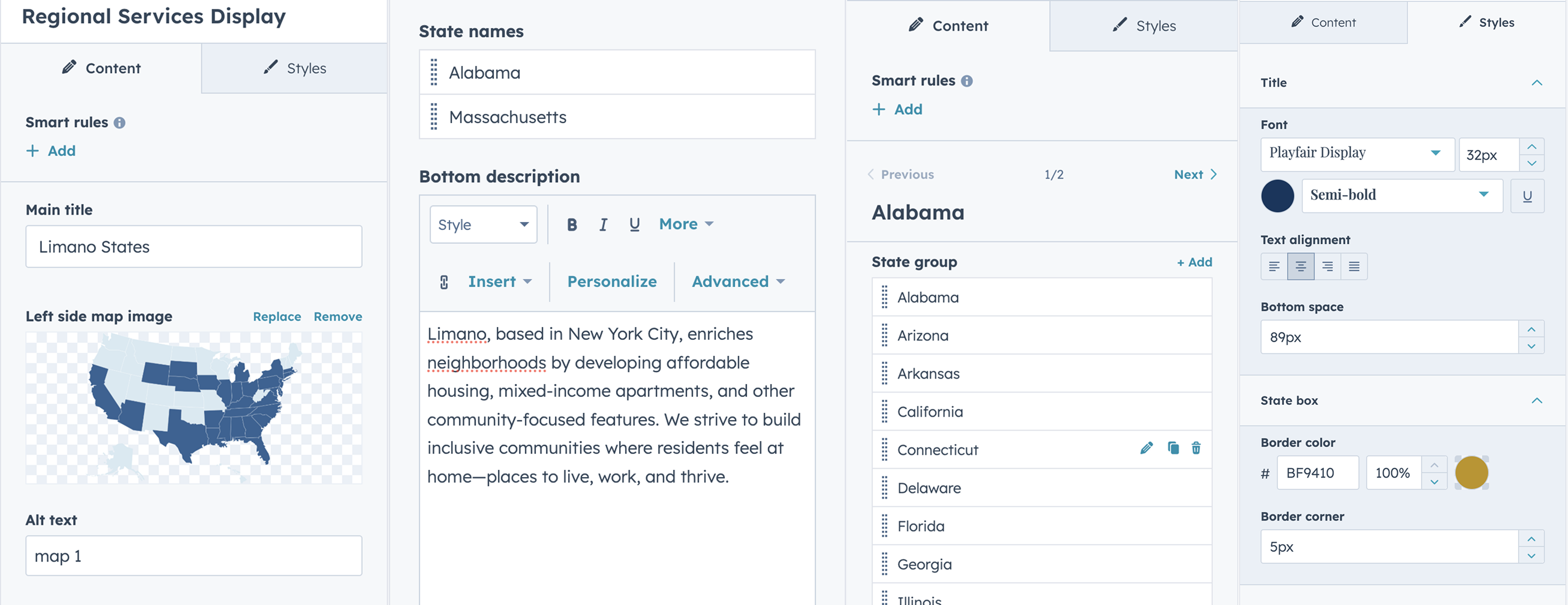
Regional Services Display
The Regional Services Display module highlights the services offered across different states or regions. It typically includes a title, description, and a dynamic layout to showcase state-specific offerings — making it easy for users to explore localized services.
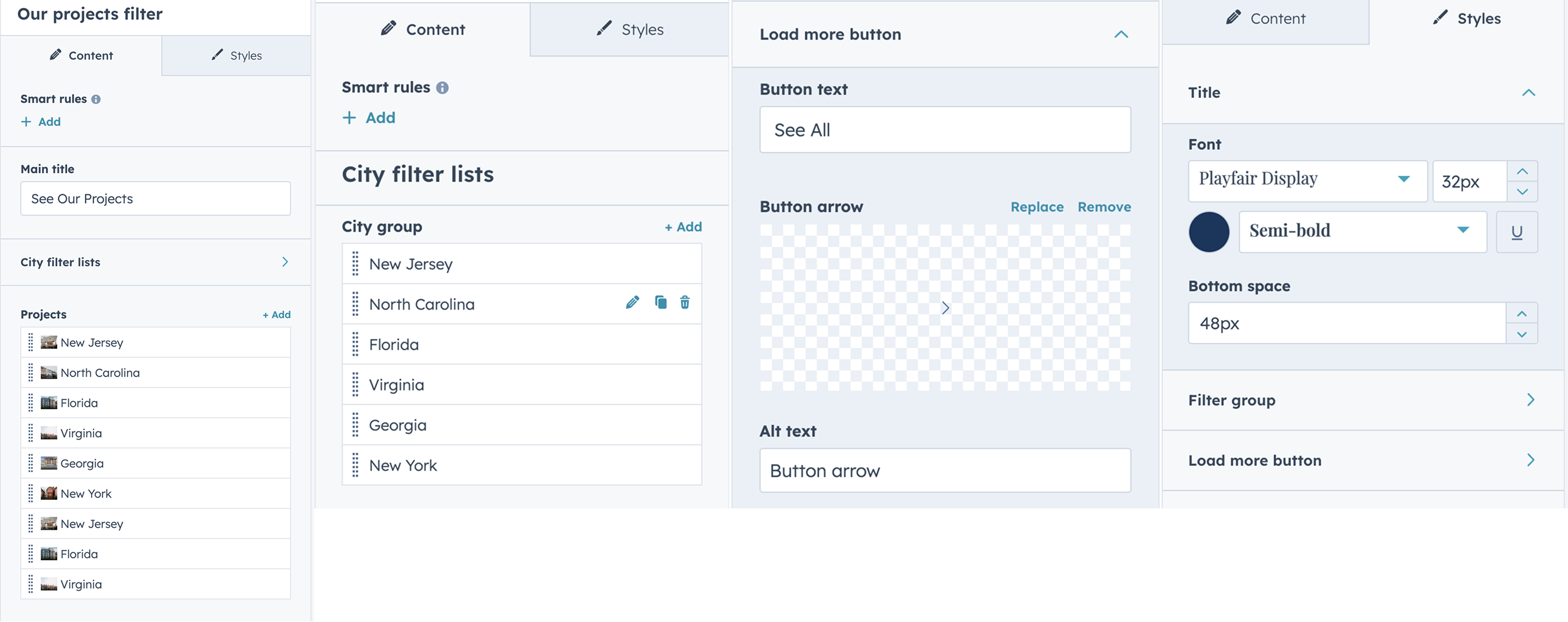
Our projects filter
The Our Projects Filter module showcases completed projects across different regions, featuring a dropdown filter for easy sorting. It also includes a Load More button that allows users to progressively reveal additional projects without leaving the page — enhancing user engagement and site performance.
Join us
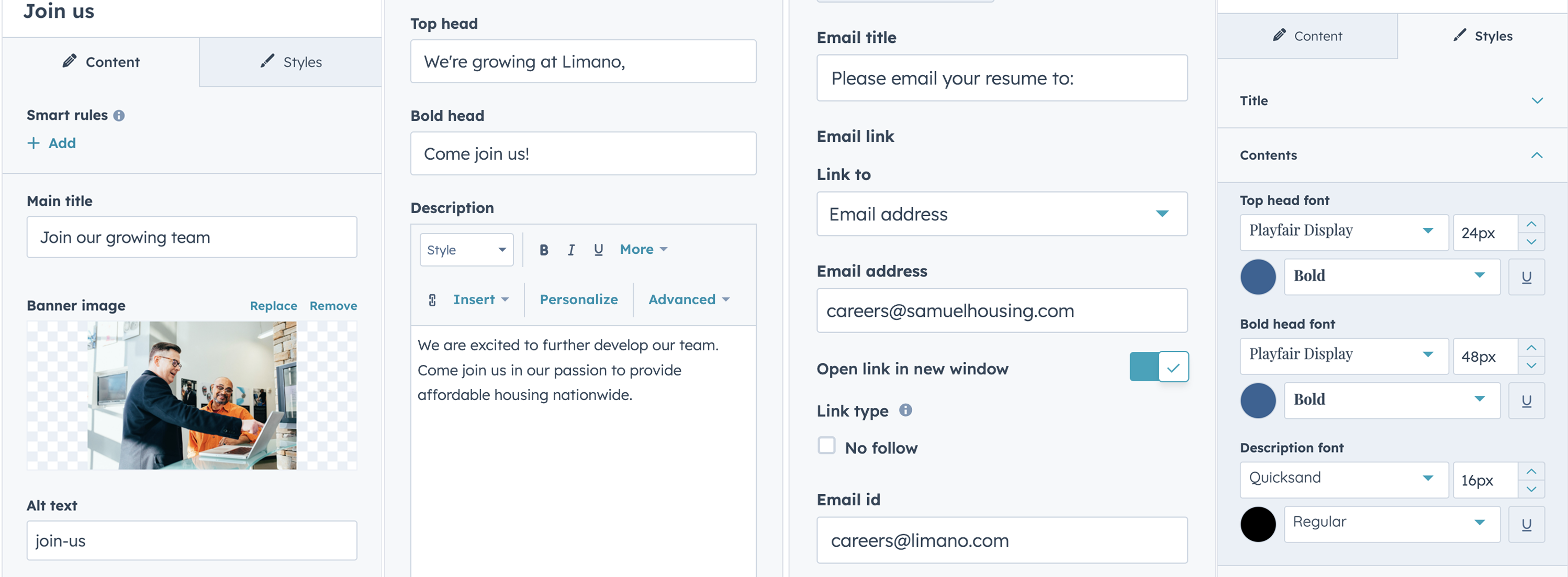
The Join Us module invites visitors to become part of your organization. It usually includes a compelling headline, brief description, an image, and a call-to-action button directing users to job opportunities or application forms — encouraging potential candidates to take the next step.
Job Openings
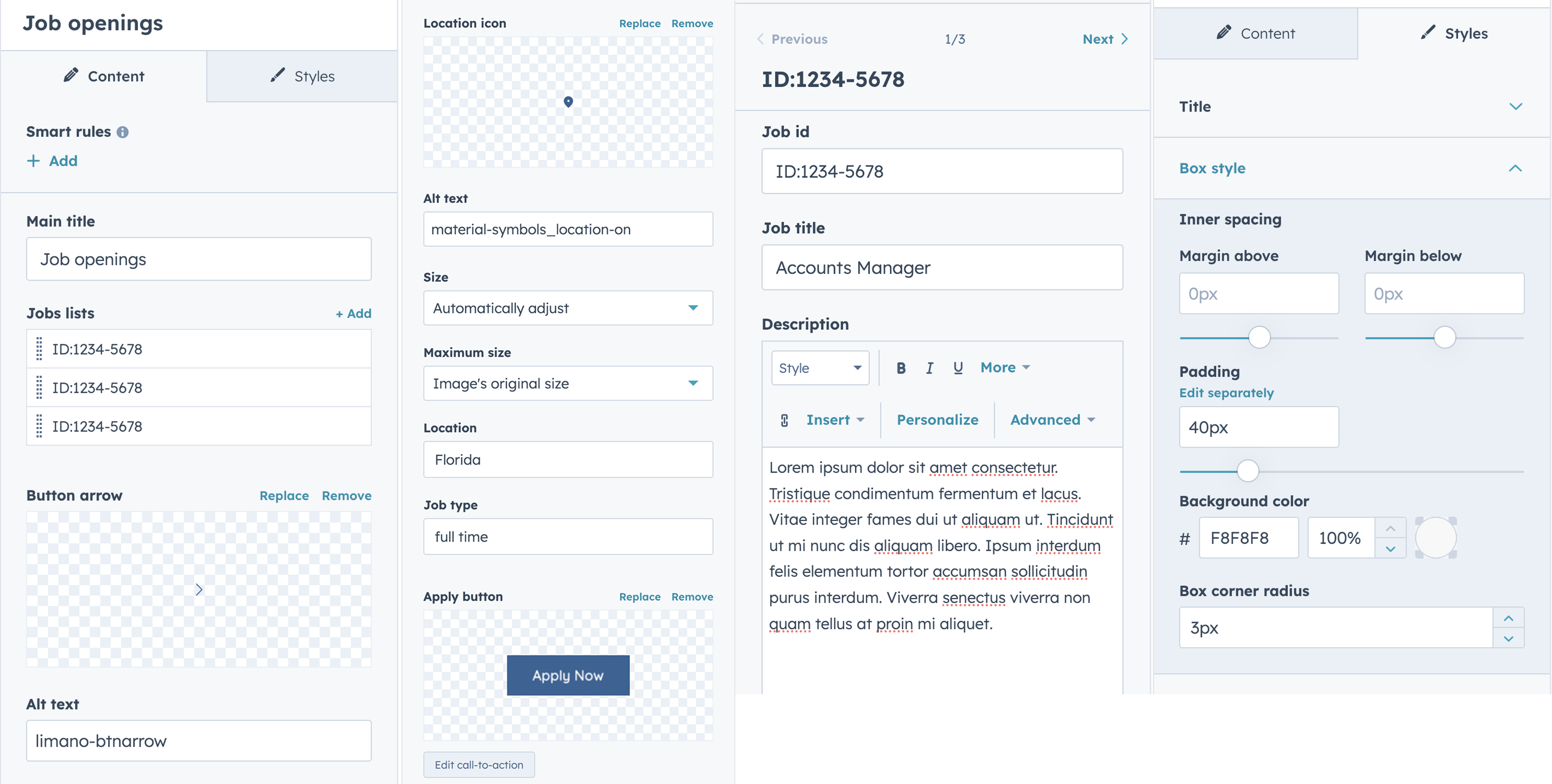
The Job Openings module lists current vacancies with essential details such as job ID, designation, description, location, and employment type. Each listing includes an Apply Now button that directs candidates to the application process, making it easy for visitors to explore and apply for available positions.
Contact Form
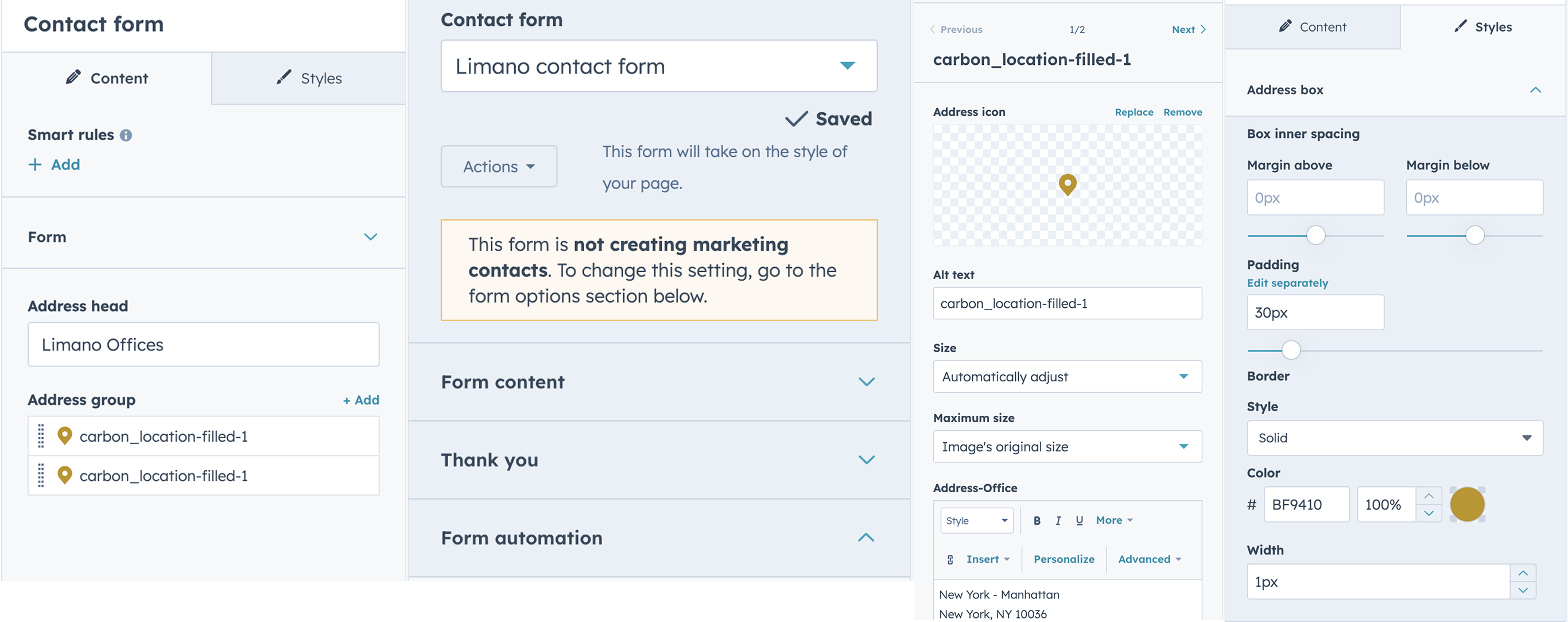
The Contact Form module enables visitors to submit inquiries or messages directly through the website. It includes a customizable form for user submissions and a dedicated box displaying the office address — providing both a communication channel and location details in one convenient section.
Contact Types Footer
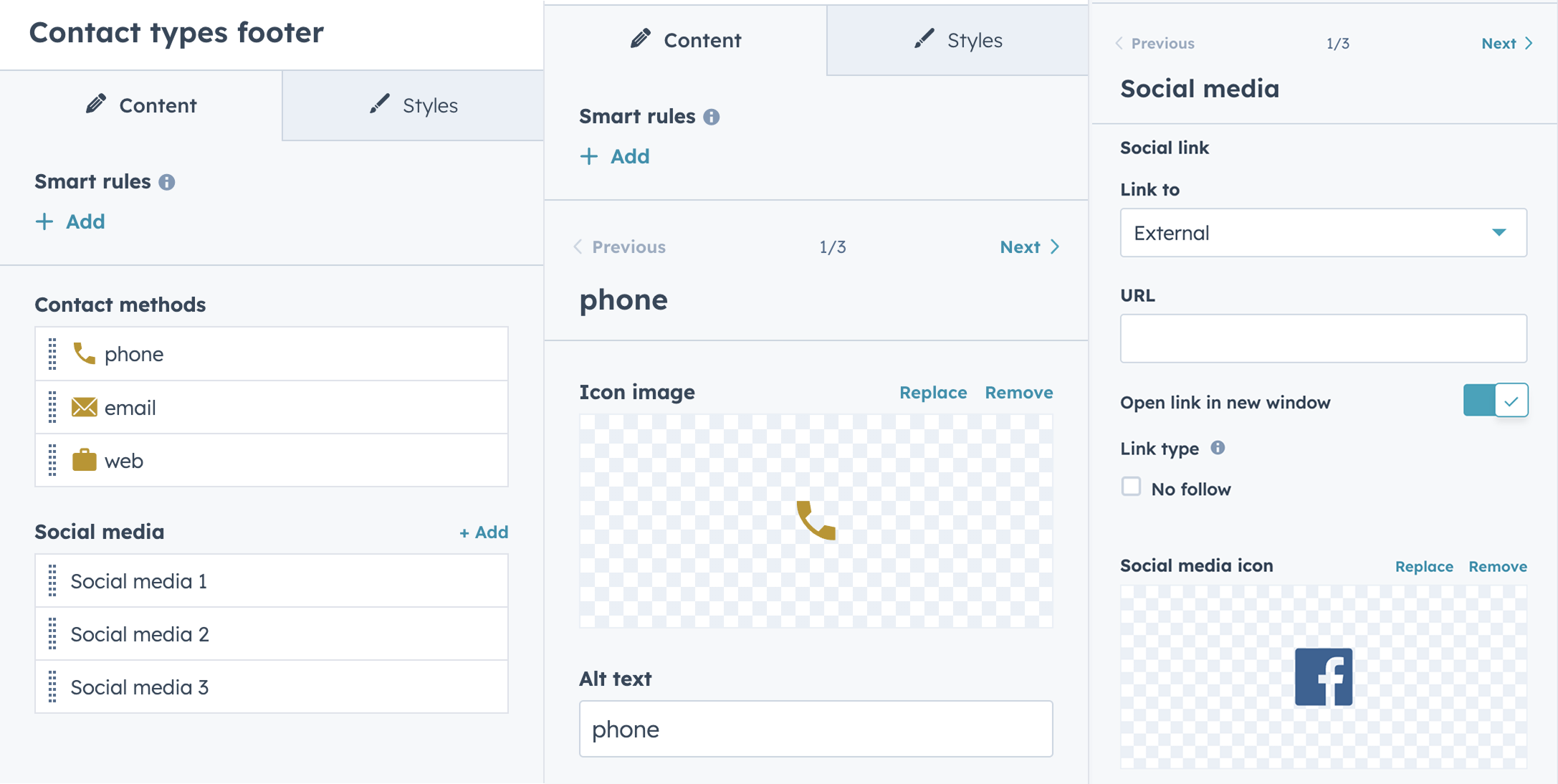
The Contact Types Footer module displays various contact platforms such as phone, email, social media, and more. It provides users with multiple ways to connect, conveniently placed in the footer for easy access across the site.
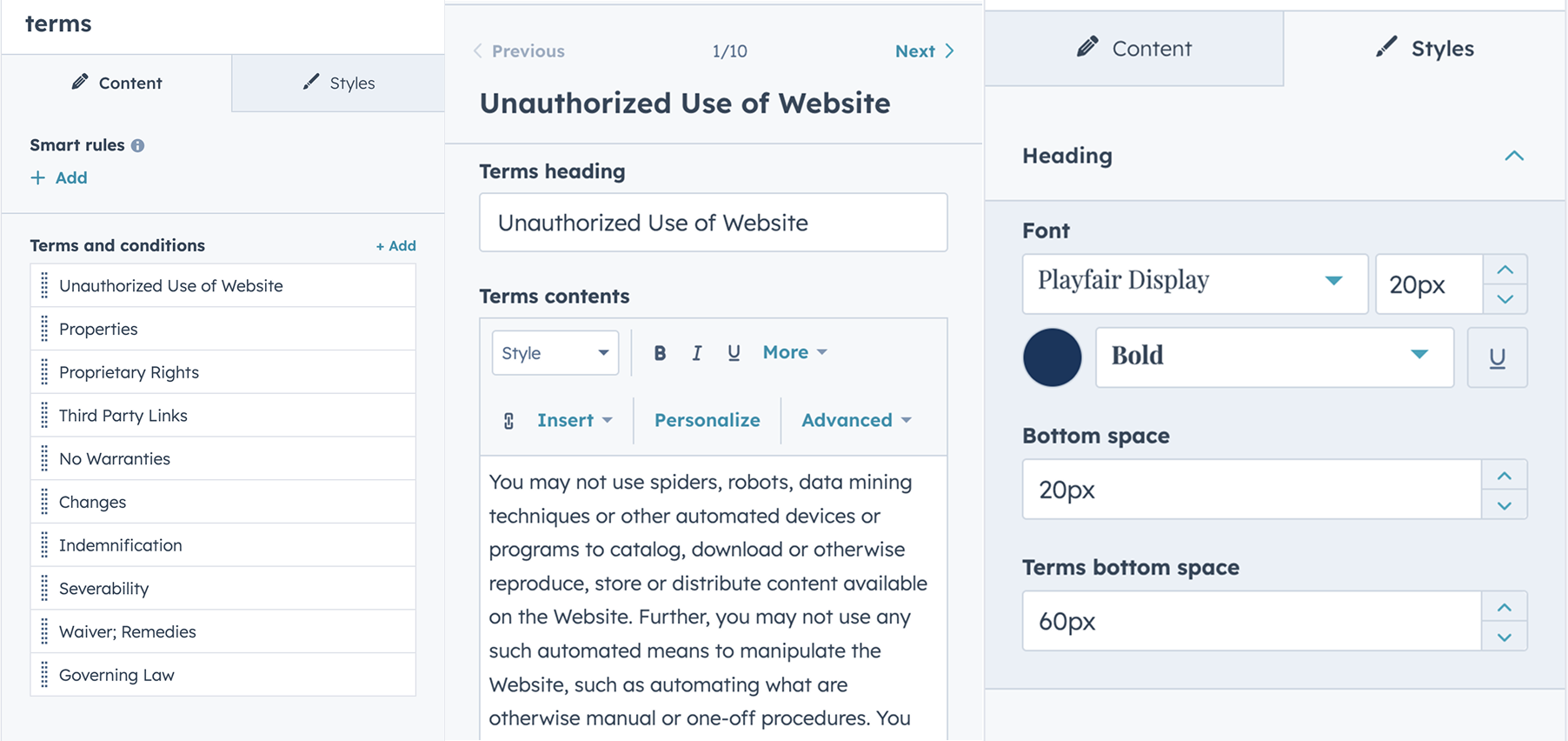
Terms
The Terms module provides a rich text area for adding your website’s terms and conditions, policies, or legal disclaimers. It allows for easy formatting and updating of important legal content within your site.
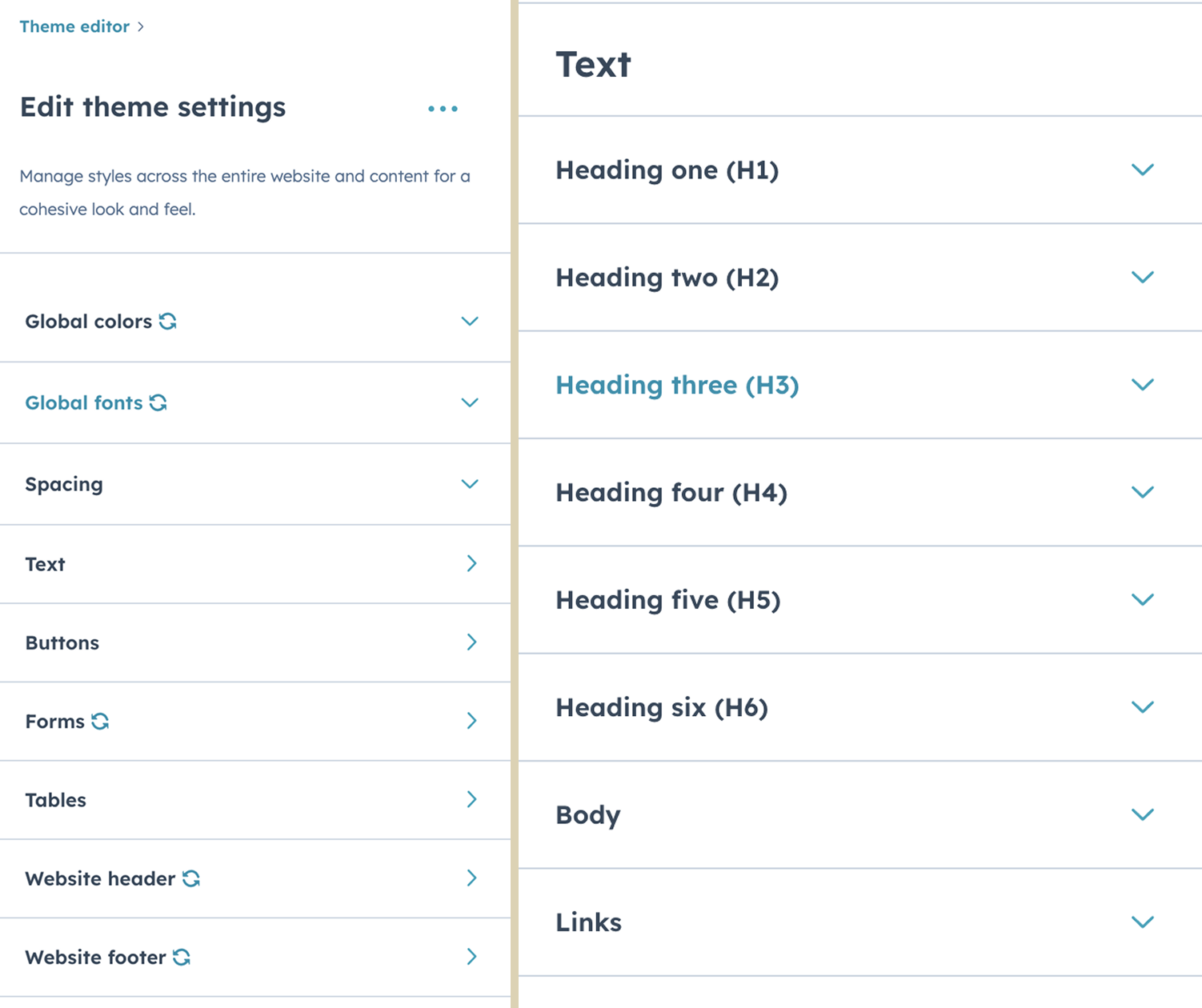
Theme Settings
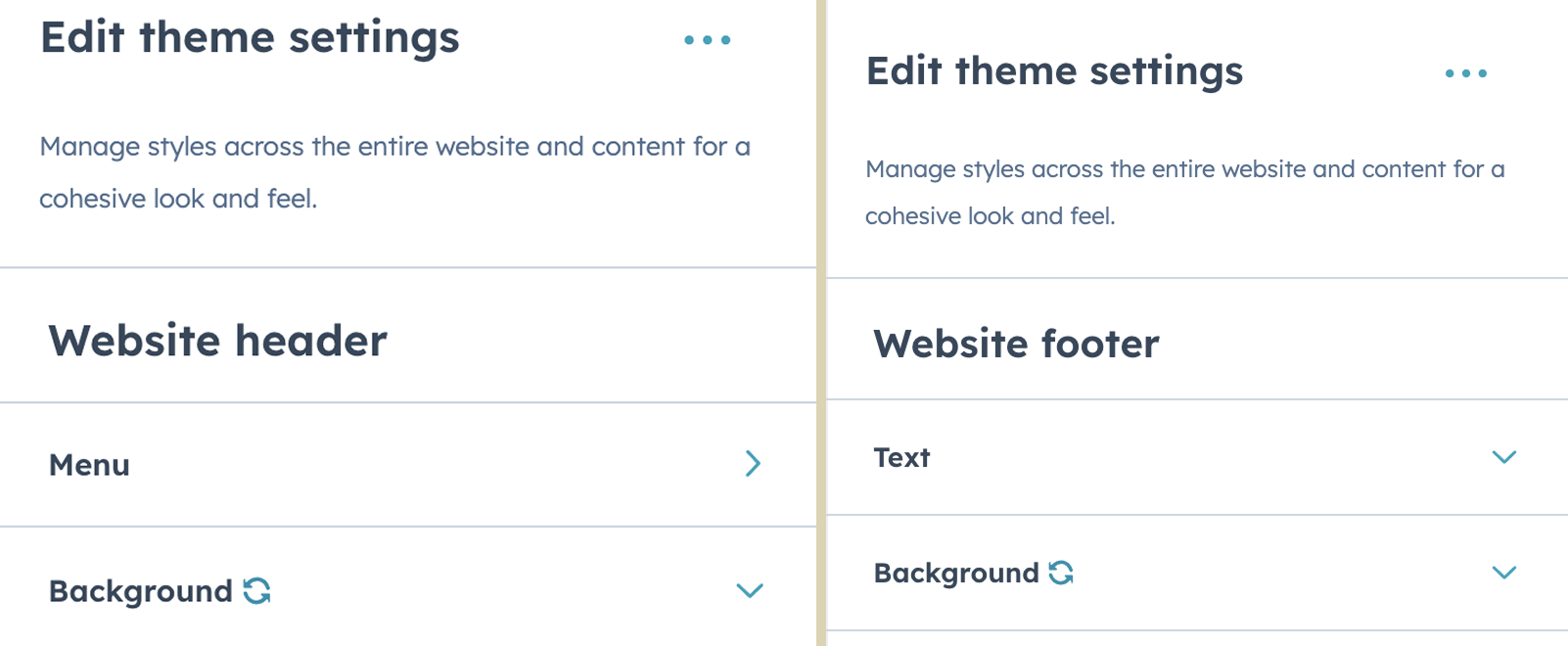
To customize your theme settings, start by creating a page using one of the Limano theme templates. In the content editor, navigate to the left-hand panel and click on the ‘Theme’ tab. From there, select ‘Edit theme settings’ to personalize fonts, colors, spacing, and more to match your brand.
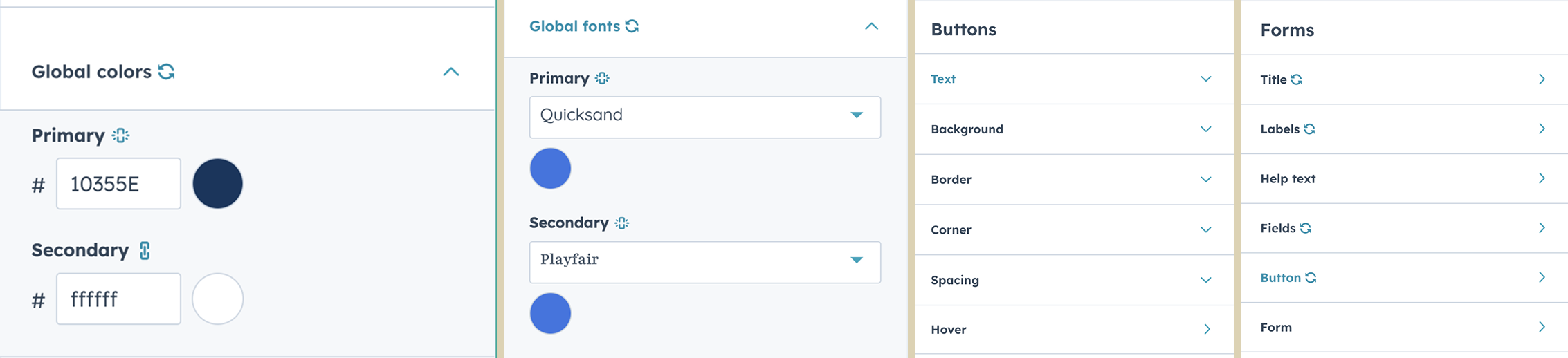
Global settings
Header & Footer